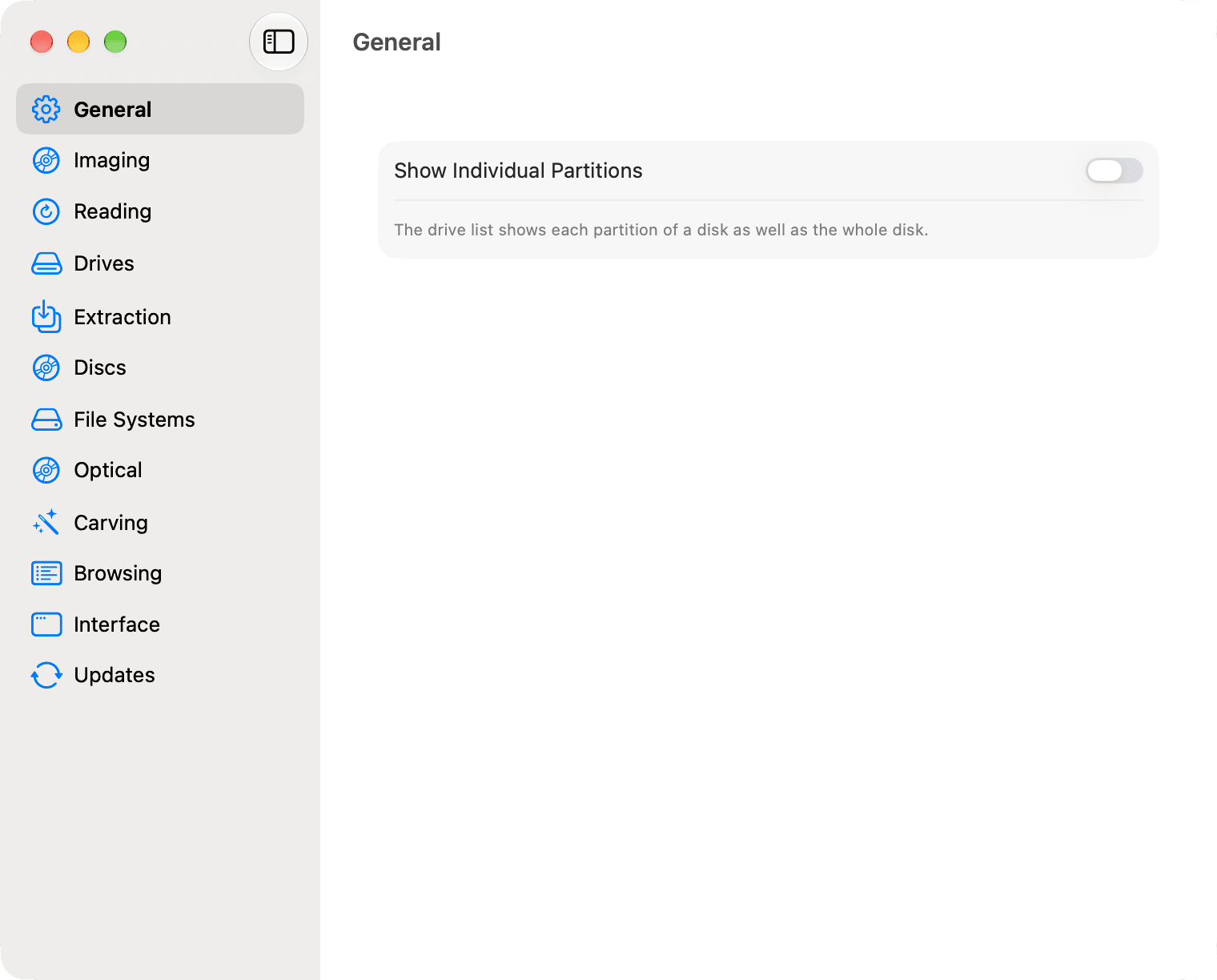
Choose IsoHappy > Settings… or press Command-comma. Settings apply to every IsoHappy window and are kept when you quit. The sidebar of the Settings window lists twelve sections, each for one part of the app; the chapter linked under each section explains them in more detail.
Settings that change how a disc or disk is read (Discs , File Systems , Optical ) apply the next time you open an image or disk.
The Settings window. General Setting At first Show Individual Partitions : the drive list shows each partition of a disk as well as the whole disk. The same checkbox is in the drive list.Off
See Optical drives and disks .
Imaging Setting At first Image name , from {name}, {label}, {date}, {session}, {track} and {partition}{name} Cue sheet : Always, When the image needs one, or NeverWhen the image needs one Always use the .iso extension for CD and DVD images Off Split into parts Off Part size (MB) 1000 Write an MD5 checksum file On Open new images when they are created Off Read the disk back afterwards to check it (Write to Disk)On
See Create images and write to disks .
Reading Setting At first Retries of a multi-sector read (0 to 100)0 Retries of a single sector (0 to 100)0 Pause before each retry (up to 60 seconds)0 seconds Skip retries in long damaged stretches Off (16 sectors in a row when on) Retry by itself after 10 seconds (drives only) Off Read backwards in chunks Off (256 sectors per chunk when on) Give up on a read that takes too long Off (30 seconds when on) When a sector still cannot be read : Fill with zeros, Leave out, Fill with a pattern, Ask every time, or StopFill with zeros Pattern (text, or 0x and hex bytes) Empty (uses “BAD SECTOR “) Write through to the disk (slower, safest) (managed images)Off Split the .ibq file into parts (managed images)Off (4,096 MiB parts when on) When an operation finds unreadable sectors, save a list of the files with read errors (Pro) On
See Read errors and surface scans and Managed images .
Drives Setting At first Show in the drive list : All Devices, Optical Drives or Disks (the drive list no longer has these buttons)All Devices Read discs with optical drive commands On Slow the drive down after read errors Off Remember a disc’s layout after it is ejected On Keep checking blank discs and empty drives On Refresh drives after waking from sleep : after 5, 10 or 30 secondsAfter 5 seconds
See Optical drives and disks .
Setting At first Save Mac files as : Native, AppleDouble, AppleSingle or MacBinary IIINative (resource fork and Finder info kept) Save resource forks, streams and extended attributes On Add extensions from Mac file types to names without one Off Restore dates On Dates from other time zones : Convert to this Mac’s time zone, or Keep the clock time as recordedConvert to this Mac’s time zone Restore permissions On Restore hidden and read-only flags On Keep sparse files sparse On When the destination exists (folders): Ask for another name, Add a number to the name, Skip, or Replace (the old item goes to the Trash)Ask for another name
See Save files .
Discs Setting At first Include the next track’s pregap in audio files On Name audio files after their CD-Text titles On
See CDs: sessions, tracks and disc images .
File Systems Setting At first Show file system metadata Off Use FAT short names only Off Skip UDF, HFS and FAT on CD-i and Video CD discs : these discs never hold those file systems, so skipping the search avoids slow failed reads on damaged discs. IsoHappy recognises them by the CD-i disc label and by the INFO.VCD or INFO.SVD file of a Video CD.Off
See Disk file systems .
Optical Setting At first File names : the code page for ISO 9660 namesAutomatic (UTF-8 when valid, otherwise Windows-1252) When byte orders disagree : Automatic, Always little-endian or Always big-endianAutomatic (little-endian unless it points outside the disc) Always list the folders recorded in the path table Off List volume descriptors and path tables as $Meta files Off Look for earlier sessions inside one track On List the files inside El Torito boot images On Title VOB files (DVD-Video)Sizes from the disc’s file system (1 GB parts when there is none)
See CD, DVD and Blu-ray file systems .
Carving Setting At first Custom rules : Use only the custom rules, Before the built-in signatures, or After the built-in signaturesBefore the built-in signatures Largest carved file (64 MB to 64 GB)4 GB Split carved VOB video into 1 GB parts On
See Find files by signature .
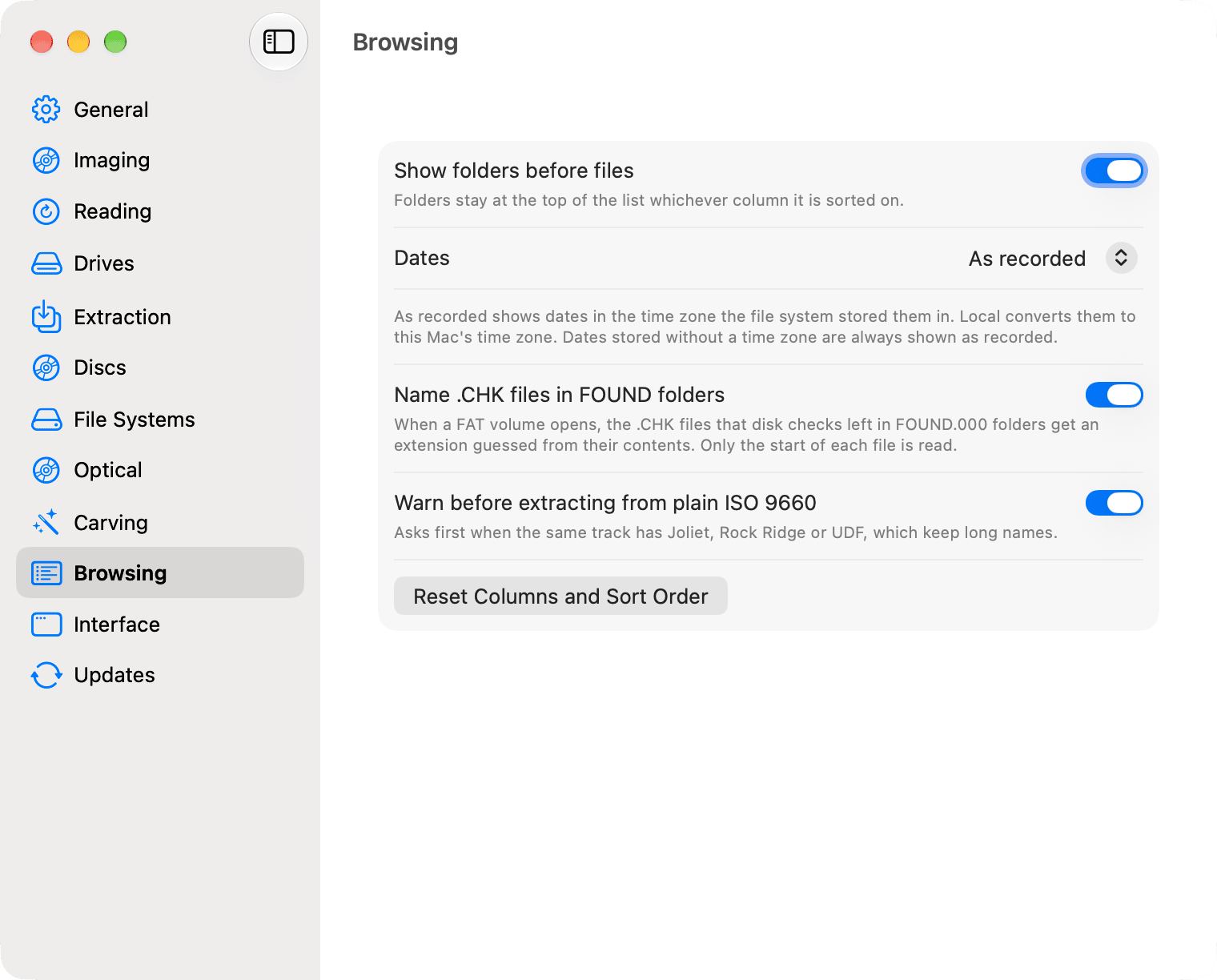
Browsing Setting At first Show folders before files On Dates : As recorded, Local or UTCAs recorded Name .CHK files in FOUND folders On Warn before extracting from plain ISO 9660 On Reset Columns and Sort Order (a button)
Settings, Browsing section. See Browse and preview and Save files .
Interface Setting At first Play a sound when a long task finishes in the background Off Sound , with a Play button to hear itGlass Show volume dates in the sidebar On Show markers in the file list On Offer to resume paused deep scans On
Updates Setting At first Check for updates automatically IsoHappy asks you once, after it is first used Check : Daily, Weekly or MonthlyDaily Include beta versions Off
See Finder, links and updates .