
Reports and file lists
A report is a text file that lists what IsoHappy found: every file with its first sector and path, a folder tree, the files that have read errors, or which sectors could and could not be read. Reports are useful for records, for sharing a list with someone else, or for comparing two copies of a disc. Reports need a Pro license.
Export a report
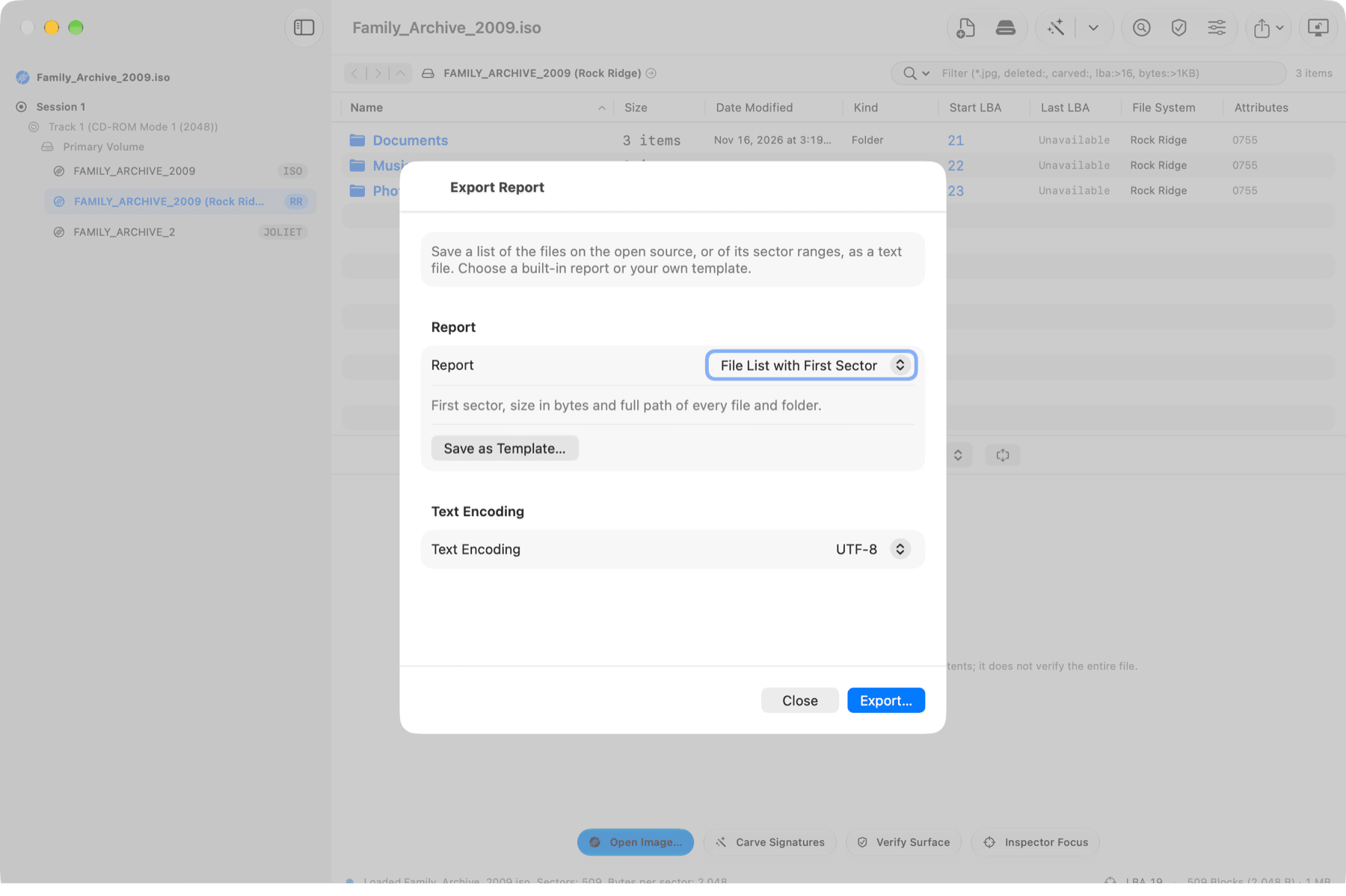
- Open the image, disc or disk.
- Choose File > Export Report… (Option-Command-R).
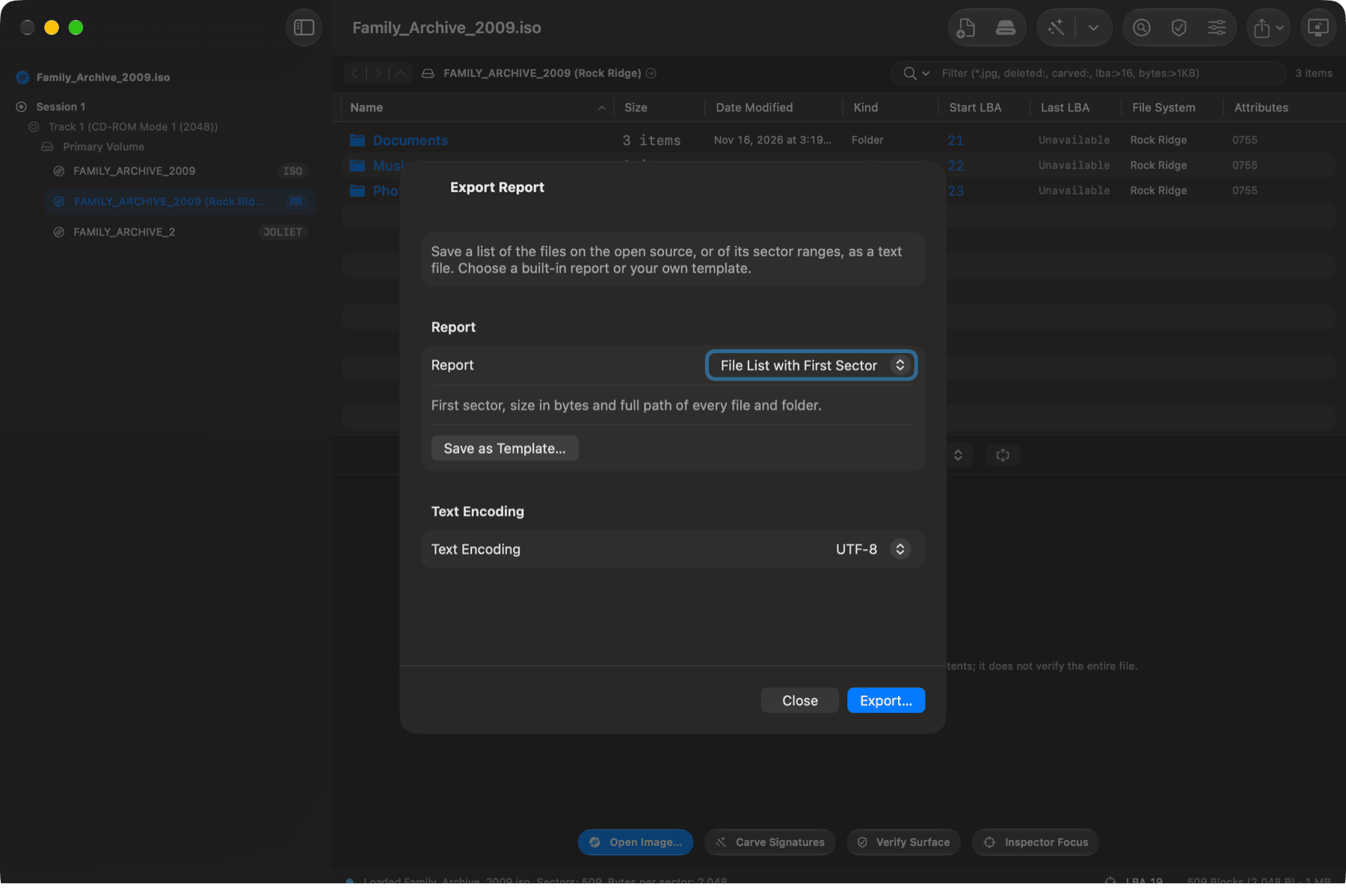
- Under Report, choose a report. Under Text Encoding, choose an encoding (UTF-8 at first).
- Click Export… and choose where to save it.
IsoHappy never replaces an existing file, so choose a new name for each report. When the report is saved, Open in Editor opens it in your default text editor.
Built-in reports
| Report | What it lists |
|---|---|
| File List with First Sector | One line per file and folder with its first sector (LBA), its size in bytes and its full path. Folders end with a slash. |
| Folder Tree | Every volume with its folders and files, indented by level. |
| XML File List | Every file, folder and stream with its sizes, dates, attributes, readability and extents, as XML. |
| DFXML (Digital Forensics XML) | The same as Export DFXML Forensic Report… in the toolbar. |
| CSV Spreadsheet | The same as Export File List (CSV)… in the toolbar. |
| Files with Read Errors | Files whose data uses sectors that could not be read, and files IsoHappy already marked unreadable, with the number of unreadable sectors. |
| Readable Sector Ranges, Unreadable Sector Ranges, Sector Ranges Not Read Yet, All Sector Ranges with Status | Runs of sectors as Start - End (Count) lines. The header gives the totals. |
DFXML and CSV reports are the same, byte for byte, as the toolbar exports when you choose UTF-8.
In the text lists, characters in a name that could start a new line or hide text, such as a line break or tab, are written as \n, \t or \u{…}, and a backslash is written twice. XML reports replace characters XML cannot hold with a replacement character; use DFXML to keep such names exactly.
Readability in reports
Readability comes from the sectors IsoHappy has read since you opened the source: by a surface scan, a managed image, saving files or List Unreadable Sectors of File…. Creating a plain image with Create Image… does not count. A file is readable when every sector it uses was read without error, unreadable when any of them failed, and unknown when some were not read yet; a file with no data on the media has no readability. Until something has been read, the sheet warns that readability is unknown, and the read error report says so at the top instead of looking empty and clean.
Verify Surface does not fill in sector readability, but files it could not read are listed as marked unreadable. For a complete answer, run Scan Optical Surface first (see Read errors and surface scans).
Sectors not read yet appear in neither the readable nor the unreadable list, and the header of a sector range report says when there are any.
Encodings
Reports can be written as UTF-8, UTF-16 little endian or UTF-16 big endian, each with or without a byte order mark, or as ASCII. In ASCII, every character outside ASCII becomes a question mark in text and CSV reports, and IsoHappy tells you how many were replaced. XML reports in ASCII use numeric character references instead, so nothing is lost. The built-in XML reports name their encoding in their first line.
Your own templates
Choose a built-in report and click Save as Template… to save it as an IsoHappy report template (a .ihreport file). DFXML, CSV and the sector range reports have a fixed format and cannot be saved as templates. Open the file in any text editor and change it. Then choose Template File in the report menu, click Choose Template File… and pick your file. IsoHappy does not keep a folder of templates; choose the file each time. A template with a mistake is not used, and the message names the line (a file that is too large or not UTF-8 text is refused as a whole).
The template file
A template file is UTF-8 text of up to 256 KB. It starts with the line IsoHappy Report Template 1. Optional header lines follow, each a word, a colon and a value: name, format (text, xml or csv), extension and description. A line with only --- ends the header; everything after it is the report layout.
IsoHappy Report Template 1
name: Large files
format: text
extension: txt
---
{{#header}}Files over 1 MB on {{report.source}}
{{/header}}
{{#items where file and size > 1000000}}
{{lba:hex}}  {{size}}  {{path|escape}}
{{/items}}
In the layout, text is copied as it is, and tags in double braces are filled in:
{{name}}writes a field.{{modified:iso}}writes a field in a chosen format.{{path|escape}}applies a filter.{{#header}}and{{#footer}}sections are written first and last.{{! a comment }}is ignored.- A section, closing,
elseor comment tag alone on its line leaves no empty line behind. - Write literal text with quotes, as in
{{"{{"}}for two braces. - Values are never escaped for you, whatever the
format:line says. Use theescape,xml,csvorjsonfilter.
Loops and conditions
{{#volumes}} … {{/volumes}}repeats for each volume, and{{#items}} … {{/items}}for each file, folder and stream, in folder order.itemsincludes each volume’s root folder; addwhere not volume_rootto leave it out.- Inside an item,
{{#extents}},{{#streams}}and{{#blocks}}(each sector of the item’s data, with its status) repeat for its parts. {{#ranges}}repeats for each run of sectors with the same status.{{#header}}and{{#footer}}are written once each and cannot hold loops.- Add a filter to any loop with
where, for example{{#items where unreadable}}or{{#items where not folder and size > 1000000}}. {{#if deleted}} … {{else}} … {{/if}}writes one part or the other.
Conditions compare with ==, !=, <, >, <= and >=. Numbers compare as numbers and dates as moments in time, for example modified >= "2024-01-01" (a date without a time zone counts as UTC). A field on its own is true unless it is missing, zero or empty. like compares the whole value with wildcards (* for any text, ? for one character) and ignores case. matches finds a regular expression anywhere in the value: literals, the dot, classes in square brackets, \d, \w, \s and their opposites, the *, + and ? repeats, counts in braces up to 100, alternatives, groups, and ^ and $; start the pattern with (?i) to ignore case. Combine tests with and, or, not and parentheses.
Fields
| Group | Fields |
|---|---|
| Item | name, path, size, lba (first sector), last_lba, extent_count, sector_count, depth, indent, type, folder, file, stream, volume_root, fs, deleted, carved, compressed, encrypted, fragmented, embedded, mime, link_target, fs_attributes, child_count, stream_count |
| Dates | created, modified, accessed, changed, backup, and timezone (how the file system stored them) |
| Attributes | posix_mode, posix_permissions, uid, gid, windows_attributes (letters such as RHSA), windows_attributes_hex, mac_type, mac_creator |
| Readability | readability (readable, unreadable, unknown or none), readable, unreadable, readability_unknown, bad_sectors, unread_sectors, marked_unreadable |
| Extents | extent.lba, extent.last_lba, extent.sectors, extent.bytes, extent.file_offset, extent.offset_in_sector, extent.sparse, extent.embedded, extent.readability, extent.bad_sectors |
| Blocks | block.lba, block.status, block.readable |
| Ranges | range.start, range.end, range.count, range.status, range.readable |
Volume (inside volumes) | volume.name, volume.fs, volume.start_lba, volume.sectors, volume.block_size |
| Loops | index (position in the loop, from 1) |
| Anywhere | report.app, report.source, report.sector_size, report.total_sectors, report.date, report.encoding, report.readability_known, report.item_count, report.file_count, report.folder_count, report.unreadable_files, report.unknown_files, report.sectors_readable, report.sectors_unreadable, report.sectors_unread |
Date formats: iso (ISO 8601 in UTC, the default), recorded (in the time zone the file system recorded), local (in this Mac’s time zone), date, time, unix and filetime. A date stored without a time zone is written without one, and has no unix or filetime value. Numbers can use :hex, and yes-or-no fields :yesno, :x or :01.
Filters: escape, xml, csv, json, upper, lower, left:N and right:N (pad to N characters), and or:"text" (used when the value is empty).
Limits
To keep reports safe on damaged media, a template file may be up to 256 KB with up to 20,000 tags, sections nest up to 16 levels, one condition may have up to 256 parts, a template may use like and matches up to 64 times, the text for one item may be up to 16 MB, and loops inside one item repeat up to 10 million times. A report that passes a limit stops with a message rather than writing a shortened file that looks complete.
If a report fails or you cancel it, nothing is saved: IsoHappy writes to a temporary file and only moves it into place when it is complete.