
CDs: sessions, tracks and disc images
A CD can hold several sessions, each with its own tracks. Audio CDs have one track per song. Data discs usually have one data track, and discs that were added to over time have one session for each time they were written. IsoHappy lists every session in the sidebar, with its tracks under it, and every file system it finds on each data track.
Sessions
Older sessions of a multisession disc stay browsable. A file that a later session replaced or hid can still be opened and saved from the session that wrote it. Click a session’s name, or Control-click it and choose Browse This Session. A session that was never closed is shown as Session 2 (not closed), for example.
Tracks
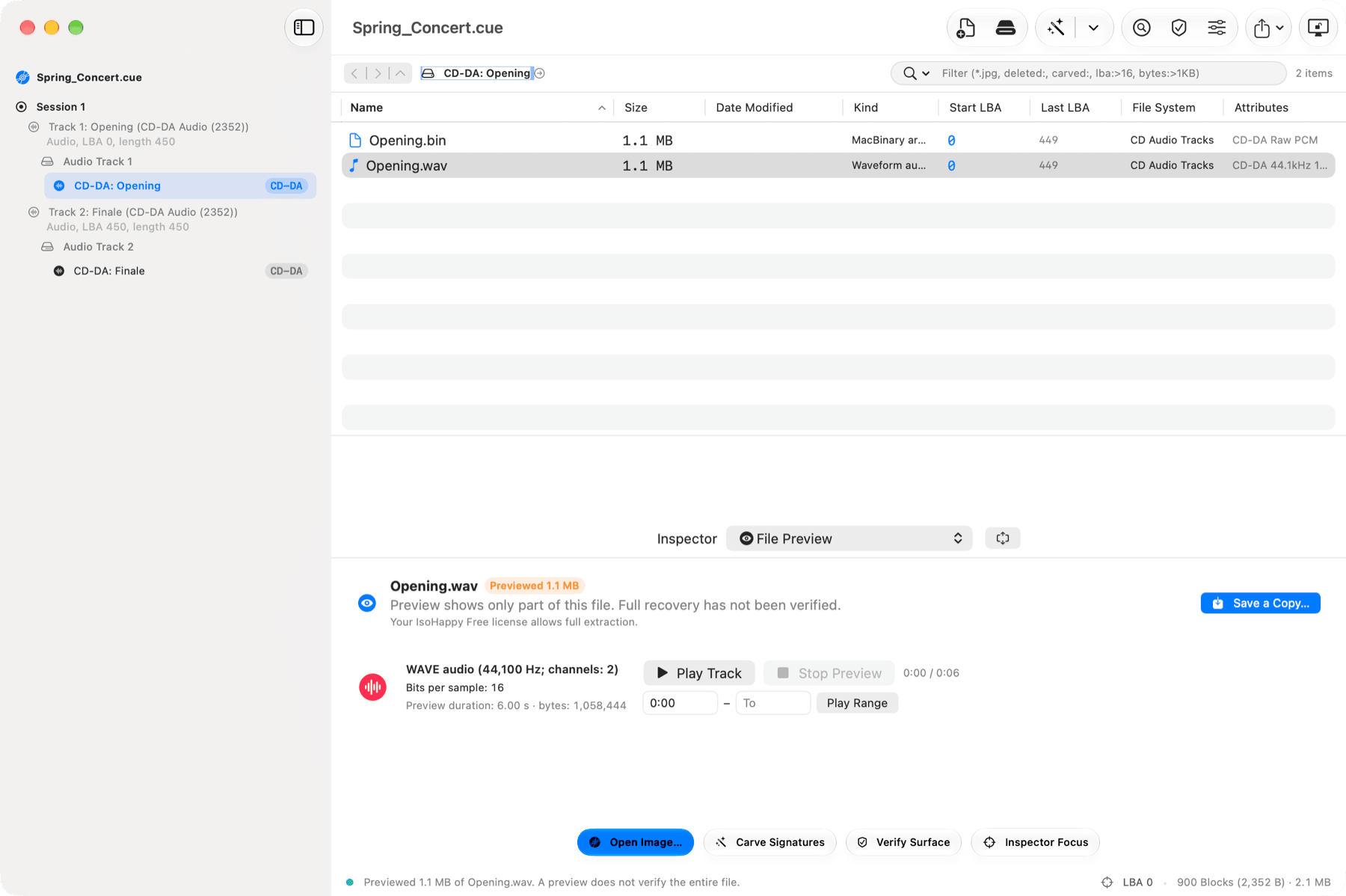
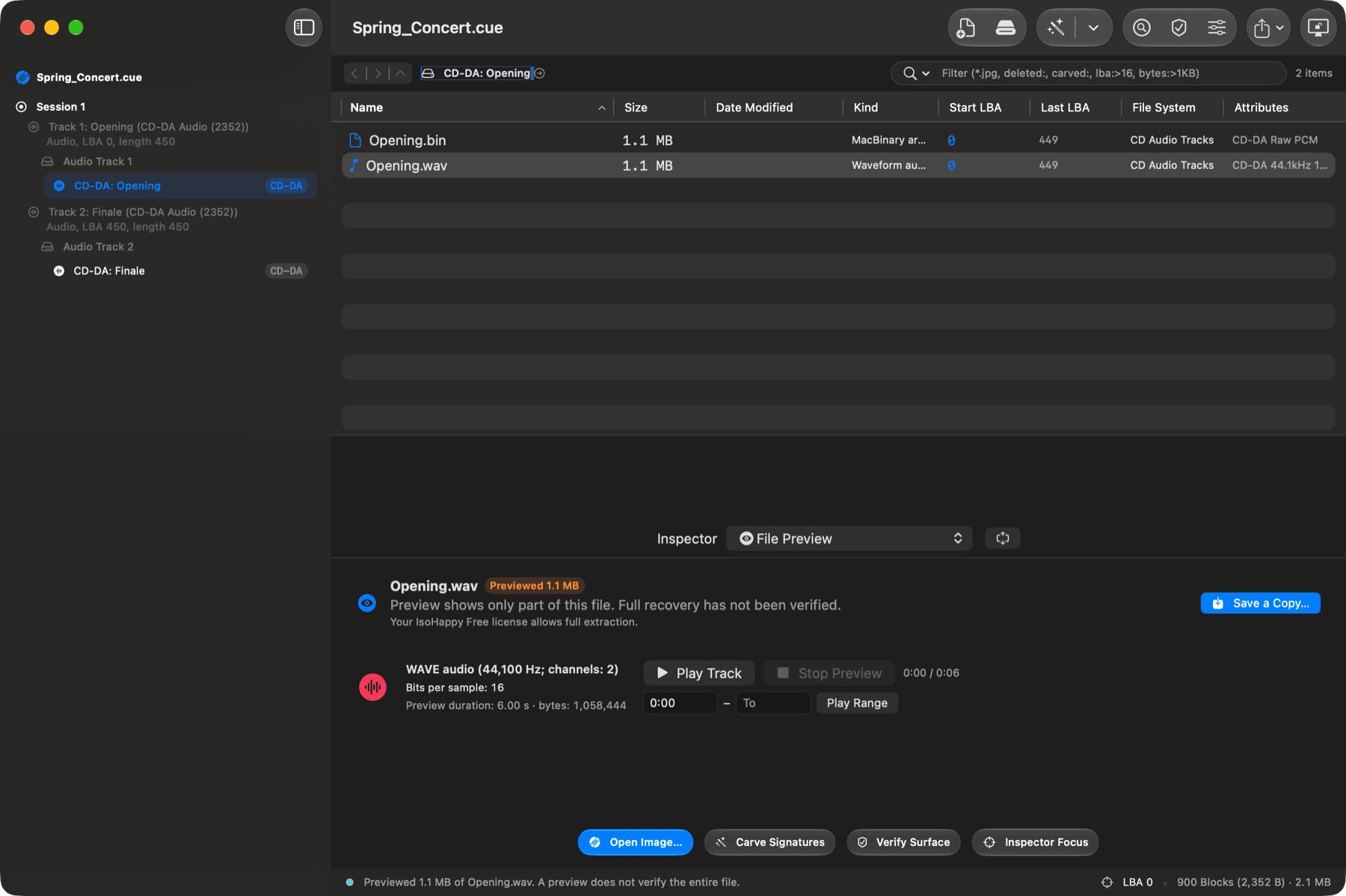
Each track shows its number and mode, such as CD-DA Audio (2352), CD-ROM Mode 1 (2048), CD-ROM XA Mode 2 Form 1 (2048) or CD-ROM XA Mode 2 Form 2 (2324), with where it starts and how many sectors it has. Point at a track to see its pregap, index points and ISRC code when the image records them. Point at the disc name to see its catalogue number and CD-Text.
An audio track appears as a volume holding the track as a WAV file and as raw PCM. Files are named after their CD-Text or cue sheet titles when there are any. Saving CD audio is free.
To listen, select a track’s WAV file and click Play Track in File Preview. The whole track plays, read from the media as it plays. To play part of it, type a start and end time (minutes:seconds) in From and To and click Play Range.
A red plus next to a track means IsoHappy listed it differently from the image’s table of contents, because the table could not be right. For example:
- a track the table lists as audio but whose sectors hold data is listed as a data track,
- a session that starts inside the previous one is moved to where a session can start,
- a track that runs into the next session is shortened,
- data hidden before track 1 (as on CD-i Ready discs) is listed as track 0.
Point at the track to read why.
CD image formats
IsoHappy reads the session and track layout from:
- Cue sheets (.cue) with one or more data files: BIN files, WAVE and AIFF audio (16-bit stereo at 44.1 kHz), PREGAP and POSTGAP, FLAGS, ISRC, CATALOG, CD-Text lines and CDTEXTFILE, and REM SESSION lines for multisession discs. MP3 and other compressed audio files are not supported; convert them to WAVE first.
- CloneCD (.ccd, .img, .sub) with sessions, index points, ISRC, catalogue number and CD-Text. When a .sub file is present, missing ISRC codes, the catalogue number and further index points are read from it.
- Nero (.nrg), disc-at-once and track-at-once, including multisession images, with ISRC, catalogue number and CD-Text.
- Alcohol 120% (.mds, .mdf) with its sessions. Version 2 descriptors are not supported.
- DiscJuggler (.cdi) with sessions, ISRC, track flags and track titles.
- BlindWrite (.b5t, .b6t) with sessions and CD-Text.
- Dreamcast GD-ROM (.gdi) (see Console and retro formats).
Opening a data file opens its descriptor when one with the same name is next to it: a .bin, .iso, .img or .cdt opens its .cue, an .img opens its .ccd, and an .mdf opens its .mds. A plain .iso file that was grown by adding sessions, for example with xorriso, is split into its sessions.
Video CD, Mode 2 and XA
Video CD, Super Video CD and CD-i video is stored in Mode 2 Form 2 sectors, which hold 2324 bytes each. IsoHappy reads these files as Form 2 data, so you can save them like any other file.
For sources that keep more than the 2048 data bytes of each sector (cue sheets with MODE2/2352 or MODE2/2336 tracks, CloneCD, Nero, Alcohol and DiscJuggler raw images, and CDs read raw from a drive), two more commands are on a file’s shortcut menu and on a data track in the sidebar:
- Save as XA (2336 bytes per sector)… writes each sector’s subheader followed by its data. Use it for PlayStation .STR and .XA files and for CD-i files.
- Save MPEG Video… keeps only the MPEG video sectors and writes a .mpg file that a video player opens. Use it on a .DAT file of a Video CD or on a whole video track. It needs whole 2352-byte sectors.
Both need a Personal license. Images that store only 2048 bytes per sector (most .iso files) no longer contain the subheaders. For those, the commands are not on a file’s menu, and on a track they are greyed out with a note saying why.
Disc settings
In IsoHappy > Settings… > Discs:
- Include the next track’s pregap in audio files (on at first): an audio track’s file runs on through the gap before the next track, the way a CD player plays it.
- Name audio files after their CD-Text titles (on at first): uses the titles from CD-Text or the cue sheet. When off, files are named Track 01, Track 02 and so on.
Changes apply to the next image you open.
To read a disc that is in a drive, see Optical drives and disks. To make a BIN/CUE, ISO or WAV image, see Create images and write to disks.