
What is a BIN/CUE file?
A BIN/CUE file is a copy of a CD saved as two files: a large .bin file with the contents of the disc, and a small .cue file that describes it. You find them most often with old PC and console games, music CDs and Video CDs, and anything copied by a program that wanted an exact copy of the disc.
The .bin file: every sector of the disc
A CD is a long spiral of sectors, each 2352 bytes. The .bin file is all of them, one after another, exactly as the drive read them.
What those 2352 bytes hold depends on the track:
- A data sector holds 2048 bytes of files, plus a sync pattern, a header and error correction around them. (Mode 2 sectors split this up differently, and Mode 2 Form 2 sectors, used for video, trade the error correction for 2324 bytes of data.)
- An audio sector is 2352 bytes of sound: 1/75 of a second of 16-bit stereo at 44.1 kHz.
The .bin has no table of contents of its own. On its own it is just a long run of sectors, and a program cannot tell where one track ends and the next begins.
The .cue file: the track list
The .cue file, or cue sheet, is plain text. You can open it in TextEdit. Here is one for a disc with a data track and an audio track:
FILE "game.bin" BINARY
  TRACK 01 MODE1/2352
    INDEX 01 00:00:00
  TRACK 02 AUDIO
    INDEX 00 00:04:31
    INDEX 01 00:06:31
FILEnames the .bin file the tracks are in. Some cue sheets name several files, often one .bin per track.TRACKgives each track’s number and kind:MODE1/2352orMODE2/2352for data stored as whole sectors,AUDIOfor sound.INDEXsays where a track starts, in minutes, seconds and frames (75 frames to a second).INDEX 01is the start of the track.INDEX 00marks the start of the gap before it, called the pregap, which is usually silence.
Because the .cue names the .bin, keep both files in the same folder and don’t rename one without the other. If you do rename the .bin, change the FILE line to match.
Why games and audio CDs use BIN/CUE instead of ISO
An ISO file holds only the 2048 bytes of files in each sector of one data track. That is enough for an ordinary data disc, but not for:
- Audio CDs. Sound sectors have no 2048-byte part, so an ISO has nothing to hold.
- Mixed discs. Many games from the 1990s have the game on track 1 and the music as audio tracks after it. An ISO keeps track 1 and drops the music.
- Video CDs and some game video. Video in Mode 2 Form 2 sectors is 2324 bytes per sector, more than an ISO keeps.
A BIN/CUE pair keeps all of it, so a burning program or an emulator can treat it as the original disc.
How to open a BIN/CUE file on a Mac
macOS can’t. On macOS 27, Disk Image Mounter does not open .cue files, Finder sends .bin files to Archive Utility, and hdiutil attach answers “image not recognized” for both.
IsoHappy opens it:
- Keep the .bin and .cue files together in one folder.
- In IsoHappy, choose File > Open Image… (Command-O) and select the .cue file. You can also open the .bin when a .cue of the same name is next to it.
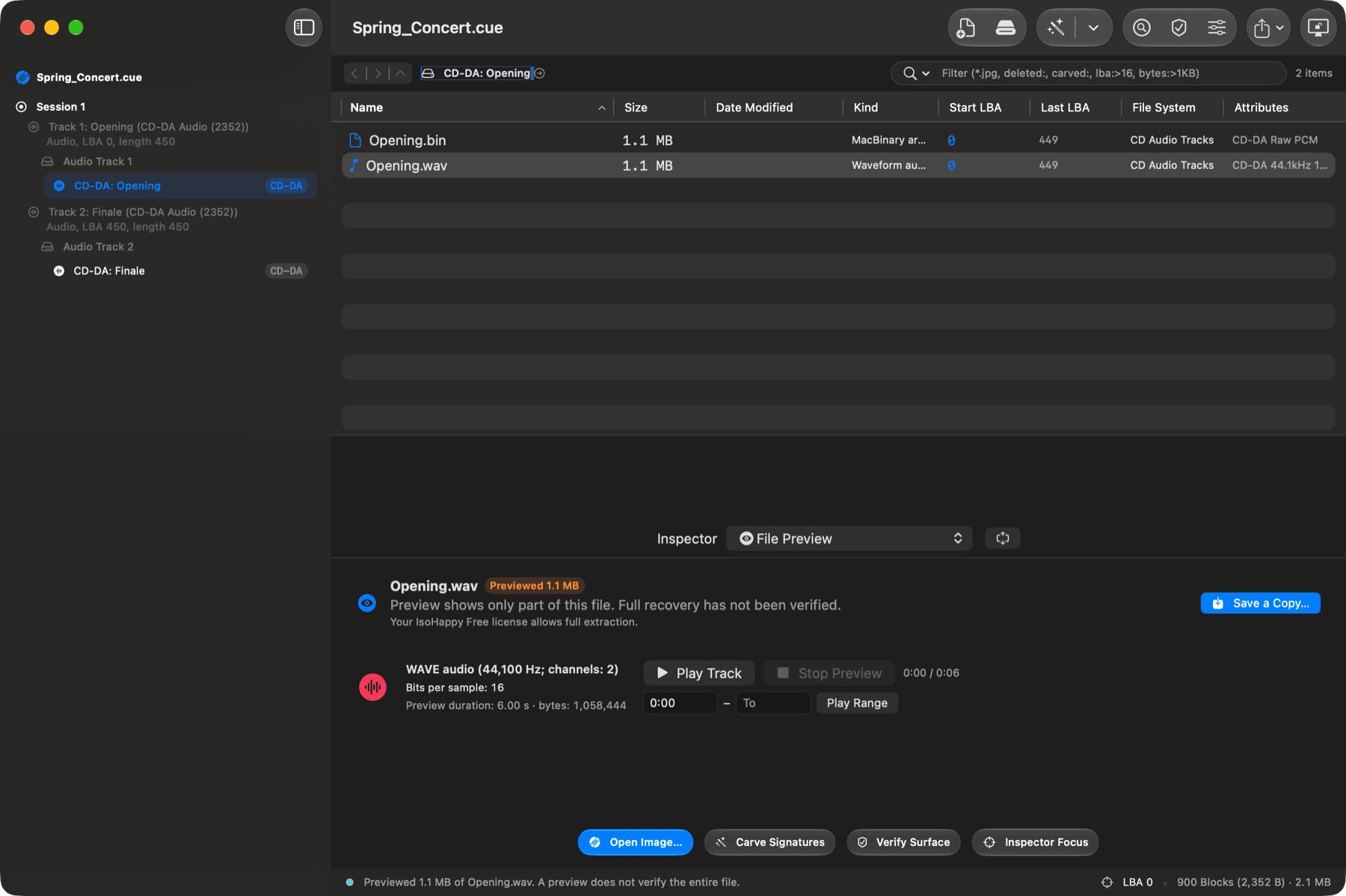
- The sidebar lists the disc’s sessions and tracks, with the kind of each. Data tracks show the volumes on them, with their folders and files. Audio tracks show the track as a WAV file.
- Select a file to preview it, or an audio track’s WAV file and click Play Track to listen.
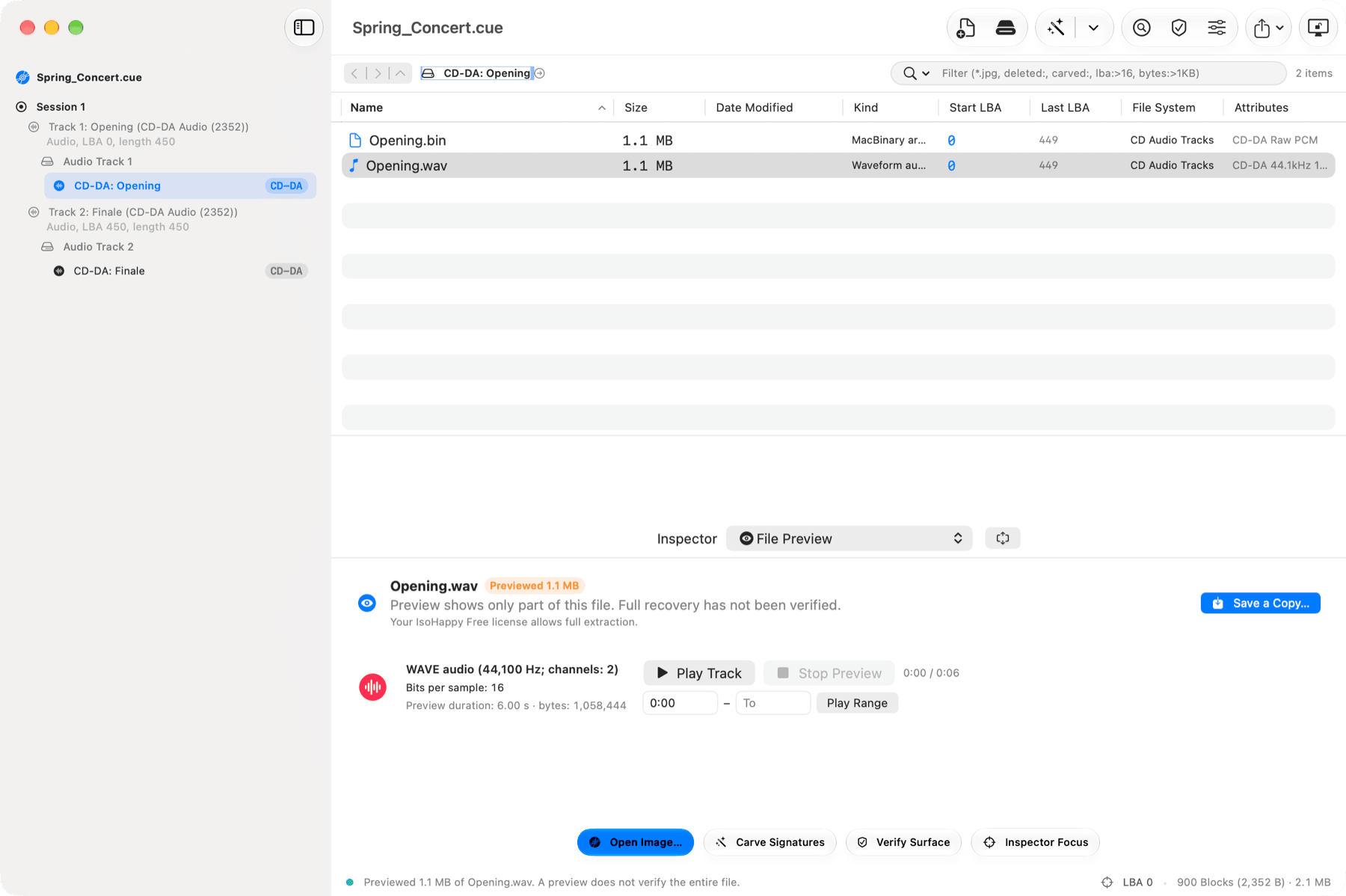
Browsing and previews are free. Saving files from the data track of an ordinary CD (ISO 9660, Joliet or Rock Ridge) is free, and so is saving the audio tracks as WAV files.
If you only have the .bin
IsoHappy can still open a .bin on its own. It sees that the sectors are 2352 bytes and lists the files on the data track. Without a .cue it cannot know where audio tracks start, so they are not listed. If the cue sheet is lost and the disc had audio tracks, look for the .cue where the .bin came from.
Converting BIN/CUE
To make an ISO from a BIN/CUE, or save its audio tracks as WAV files, see How to convert BIN/CUE to ISO on a Mac. It also covers when an ISO is not possible, and the free bchunk command-line tool.