
How to open an ISO file on a Mac (and what to do when it won't open)
Most of the time, opening an ISO file on a Mac takes one double-click. macOS mounts it like a disc and it shows up in Finder. You don’t need to install anything.
When it doesn’t work, macOS usually says only “image not recognized” or “The disk image is corrupted”. This guide covers both: the built-in ways to open an ISO, what I found macOS refuses, and what to do then.
Open an ISO file with Finder
Double-click the .iso file. Finder hands it to Disk Image Mounter, which is part of macOS, and the disc appears in Finder under its volume name. Open it like any folder and copy files out by dragging them.
A mounted ISO is read-only. You can copy files off it, but you cannot change it. When you are done, select it in Finder and choose File > Eject.
Open an ISO with Disk Utility or Terminal
Disk Utility does the same thing from its menu. Open Disk Utility (in Applications, then Utilities), choose File > Open Disk Image… and pick the ISO.
In Terminal, hdiutil attach mounts an image. On macOS 27, hdiutil prints a note that this use is deprecated and points to diskutil image attach, which does the same:
diskutil image attach --readOnly ~/Downloads/disc.iso
What macOS opens and what it refuses
I made test images on a Mac running macOS 27, with hdiutil and the open-source xorriso, and tried to mount each one. Every real ISO mounted. Everything else failed.
| Image | macOS | IsoHappy |
|---|---|---|
| ISO 9660 with Joliet (a typical data CD) | Mounts | Opens |
| UDF (a typical DVD) | Mounts | Opens |
| ISO 9660 and UDF together | Mounts (as UDF) | Opens |
| ISO 9660 and HFS together (a Mac and PC hybrid) | Mounts (as HFS) | Opens |
| BIN/CUE | “image not recognized” | Opens |
| An ISO cut short, as by a broken download | “The disk image is corrupted” | Opens, with what is there |
macOS goes by what is inside the file, not its name. When I renamed a BIN file to .iso, it still failed with “image not recognized”. Renaming a file does not convert it.
When an ISO file won’t open
Check these first:
- Is the whole file on your Mac? A download that stopped early, or a file still in iCloud, is not a complete image. Compare its size with the size the download page gives.
- Is it really an ISO? Images of game discs and music CDs often come as BIN/CUE, or as .nrg, .mds/.mdf, .ccd/.img or .cdi files. Disk Image Mounter does not list .cue, .nrg, .mds, .mdf, .ccd or .cdi among the file types it opens.
Open it with IsoHappy instead
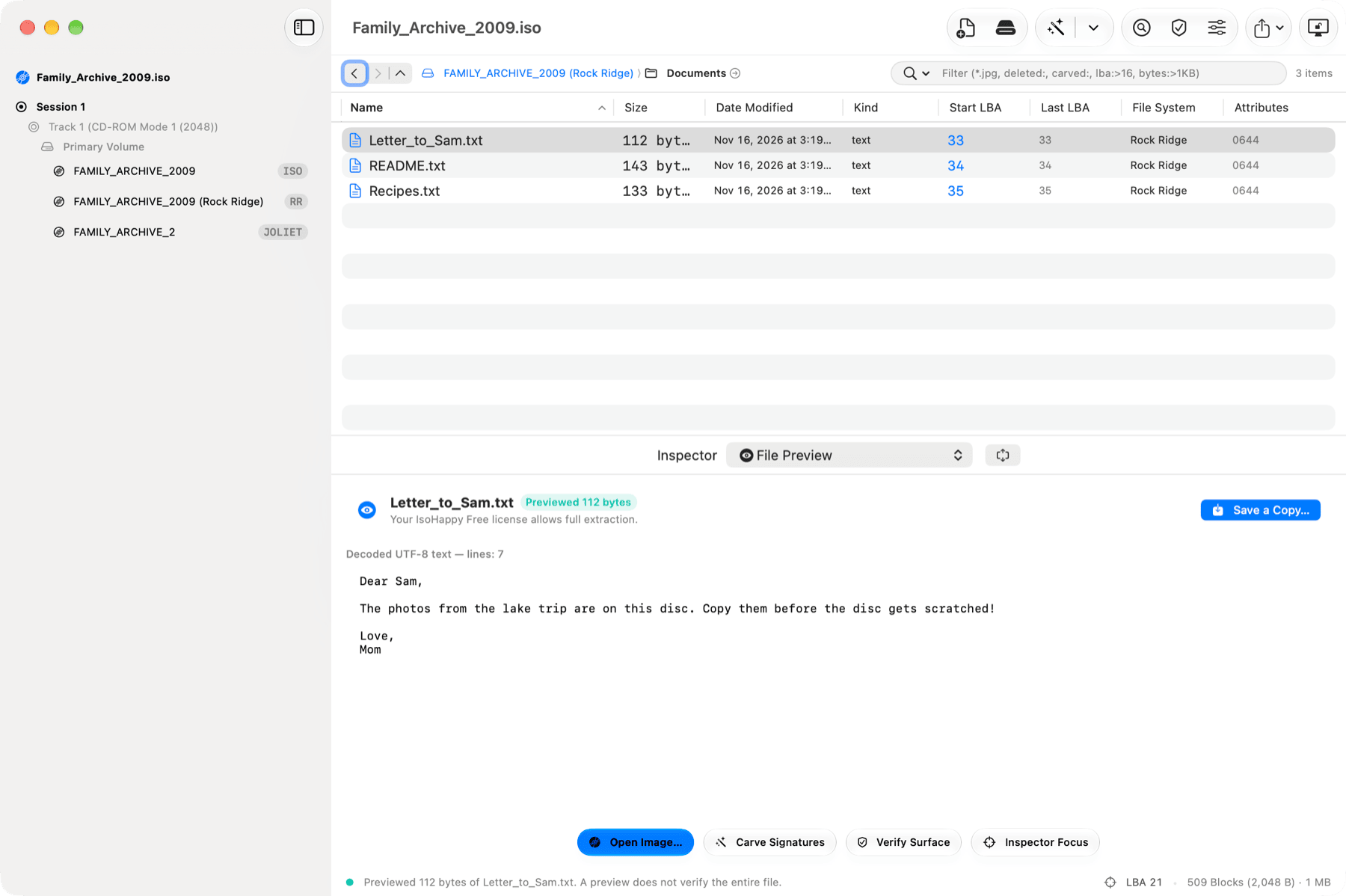
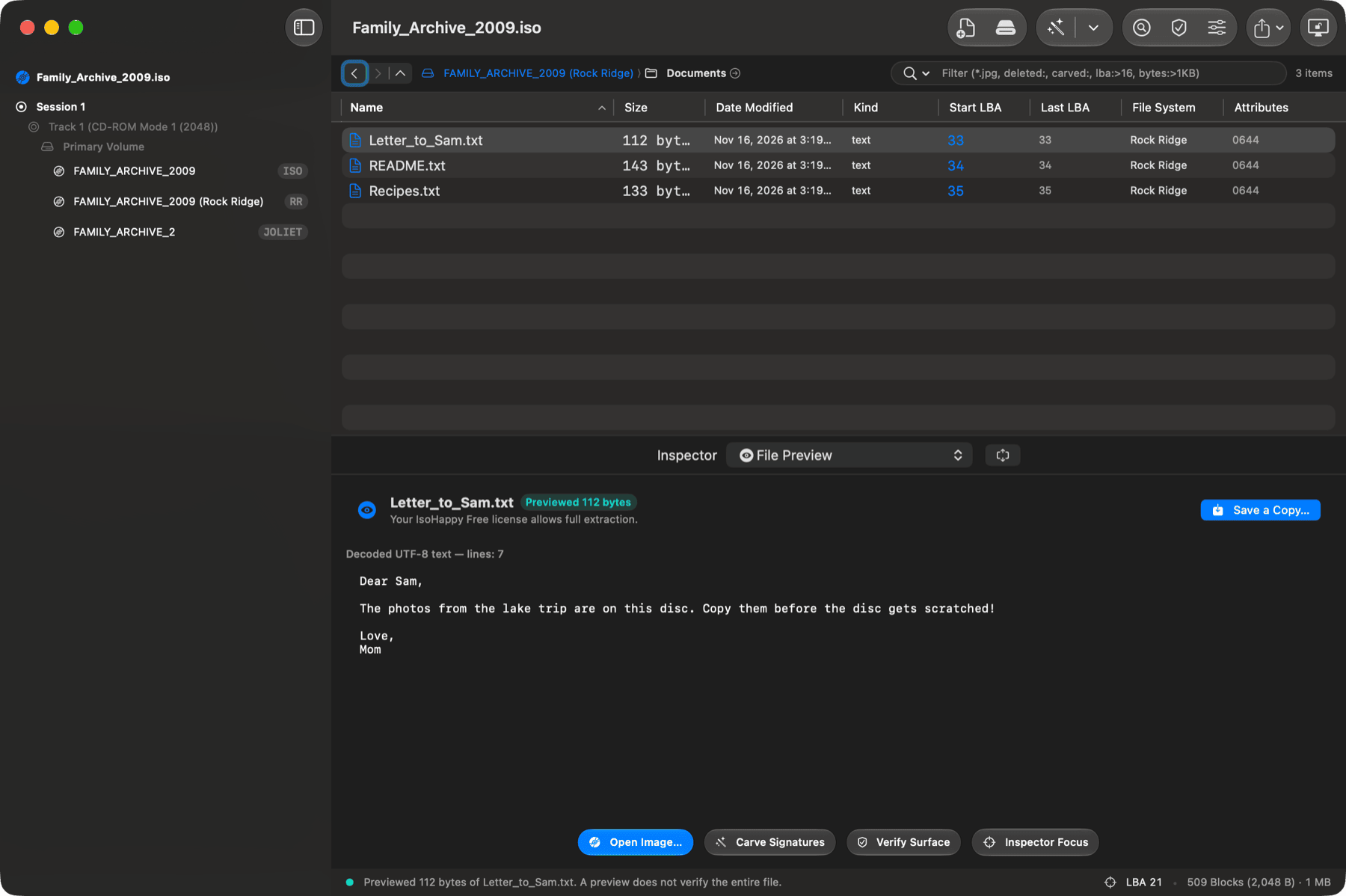
IsoHappy is a Mac app that opens disc and disk images without mounting them. It reads the image file itself, so it works with many images macOS refuses, and it never changes the image.
- Open IsoHappy and choose File > Open Image… (Command-O), or drag the file into the window. In Finder you can also Control-click the file and choose Open With > IsoHappy.
- The sidebar lists every volume IsoHappy found. A data CD often has more than one, such as ISO 9660 and Joliet, each with the same files. Pick the one with long file names.
- Select a file to preview it. Pictures, text, audio, PDFs and many other files show in File Preview.
- To copy a file out, select it and click Save a Copy…, or choose Go > Extract Selected… (Command-E) for a folder.
For BIN/CUE, open the .cue file and keep the .bin next to it. For other CD image formats, open the descriptor file (.ccd, .mds and so on) with its data file beside it. See CDs: sessions, tracks and disc images for the full list.
For an ISO that was cut short, IsoHappy opens what is there and lists the files. In my test it opened the ISO that macOS called corrupted, and both of its files copied out intact, because they sat in the part that had downloaded. A file whose data lies past the end of the cut cannot be recovered from that copy; download it again.
If even the part of the ISO that names its volume is damaged, IsoHappy may show only raw sectors with no files. You can still search those sectors for known kinds of files with Carve Signatures, described in Find files by signature.
What it costs
Opening, browsing and previewing are free in IsoHappy for every image it reads. Saving files from CD file systems (ISO 9660, Joliet and Rock Ridge) and saving CD audio tracks are free too.
Saving files from UDF, which most DVDs use, and from disk file systems such as FAT, NTFS or HFS Plus needs a Personal license. If Finder mounts your DVD image, you can copy its files with Finder for free and don’t need IsoHappy at all.
More on disc images
- If your ISO is really a BIN/CUE pair, or you need an ISO from one, see How to convert BIN/CUE to ISO on a Mac.
- To make an ISO of your own CD or DVD, see Make an ISO or disk image on a Mac.