

Recover files from old CDs, DVDs and disk images
IsoHappy is a Mac app that opens ISO, BIN/CUE, DMG and dozens of other image formats, plus the discs and drives connected to your Mac. It reads scratched discs as far as they can be read and finds files that were deleted.
Free to browse and preview. For macOS 15 or later.
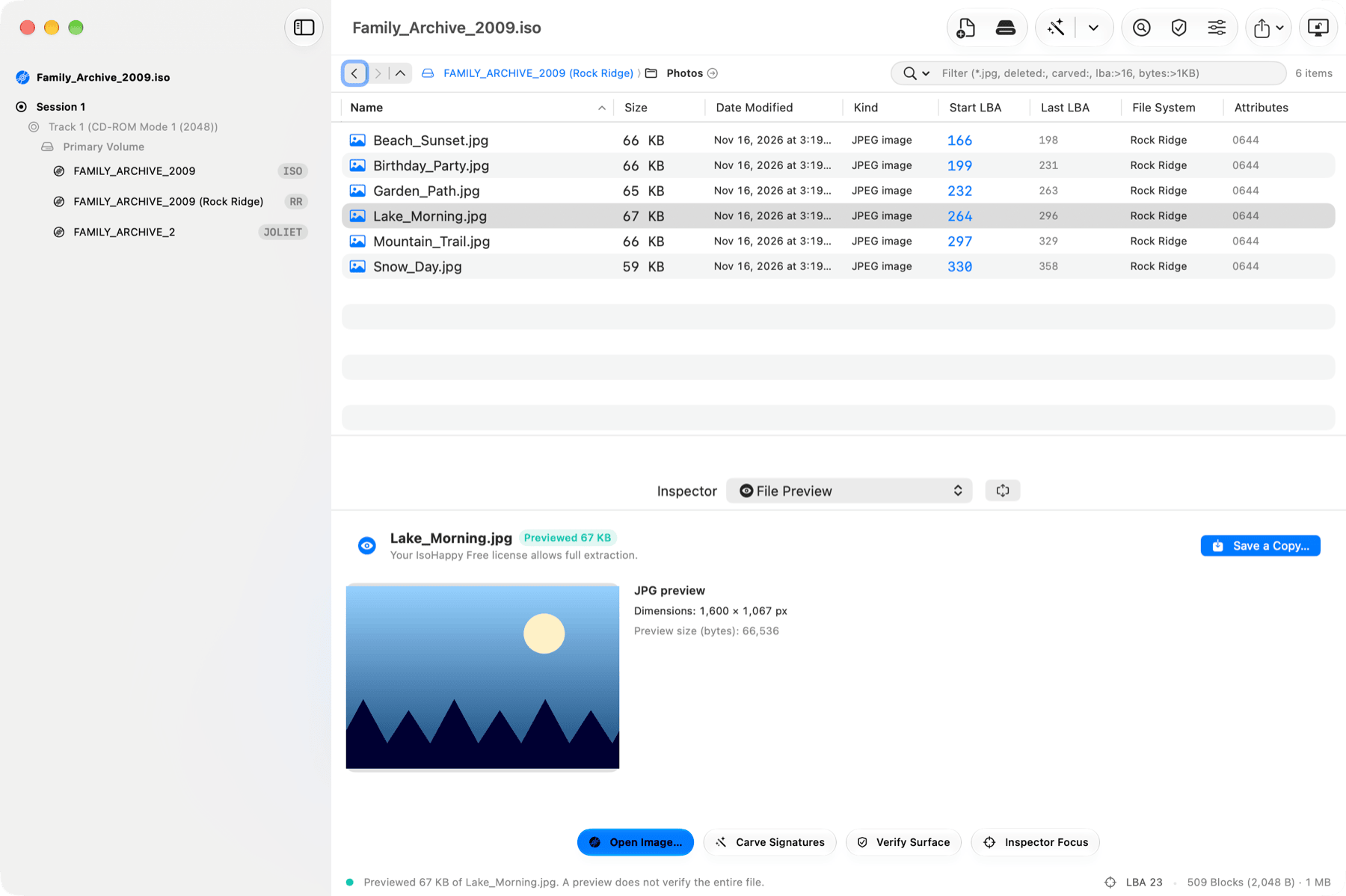
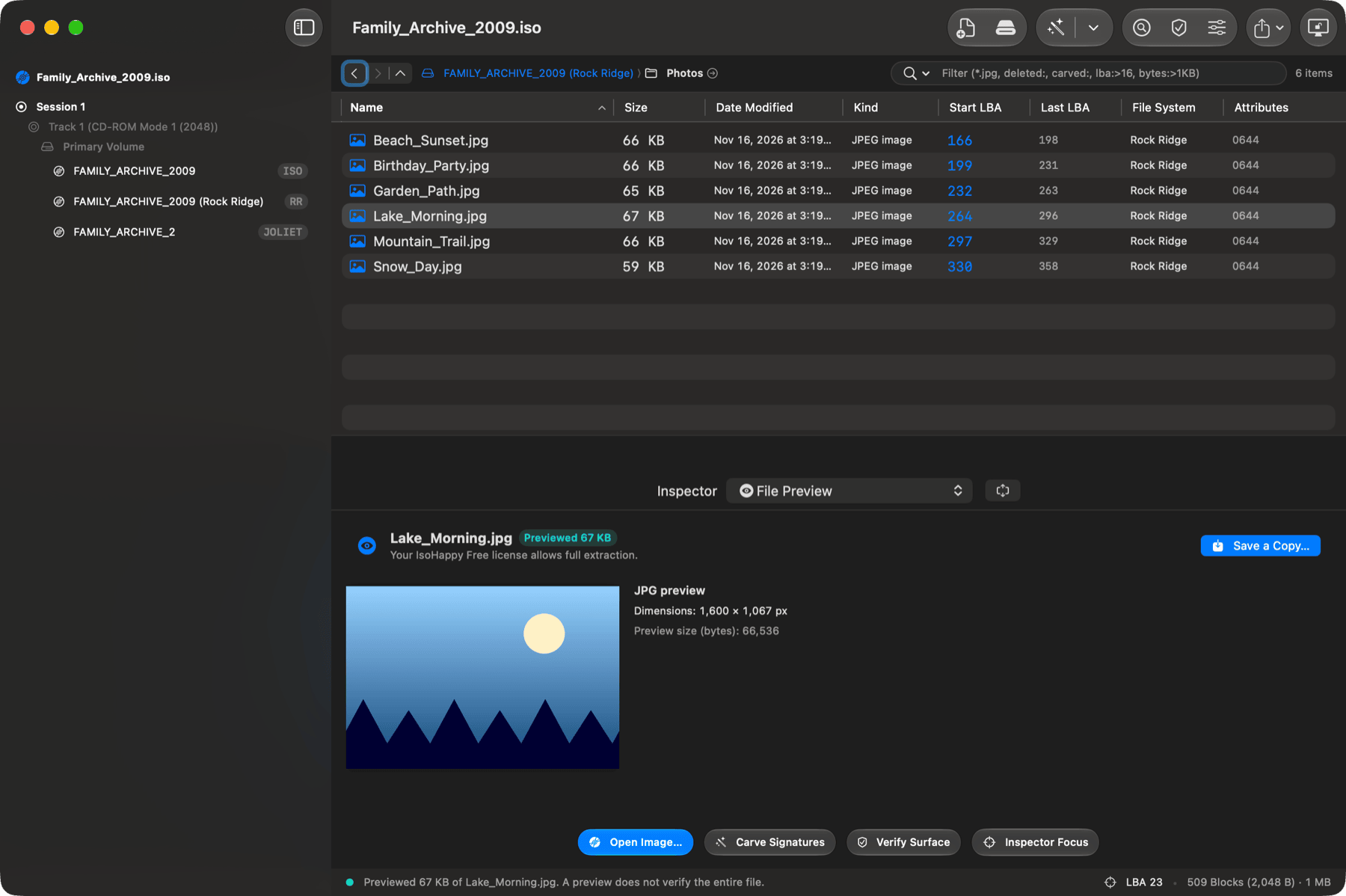
Scratched and failing discs
When a sector won't read, IsoHappy can try it again, wait between tries, read the damaged part backwards, and skip long bad stretches so a scratched disc takes minutes instead of hours. Whatever still won't read is filled in or left out, your choice, and IsoHappy tells you how much was lost.
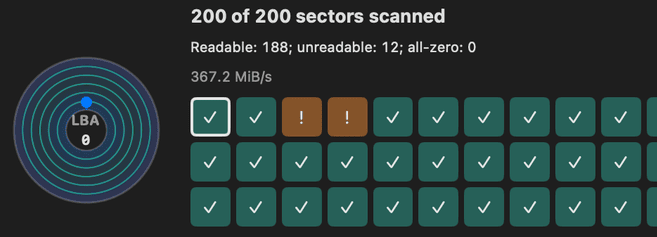
A surface scan maps the readable and unreadable parts of a disc. A managed image saves what reads today and fills the gaps later, even from a second copy of the disc.
How IsoHappy handles read errors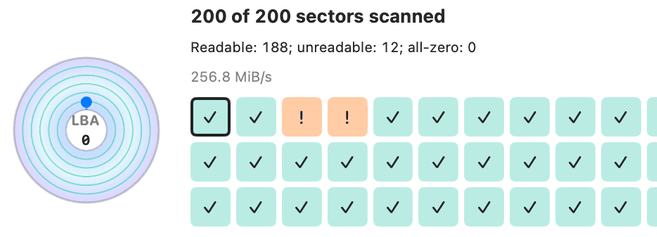
Images you can't identify
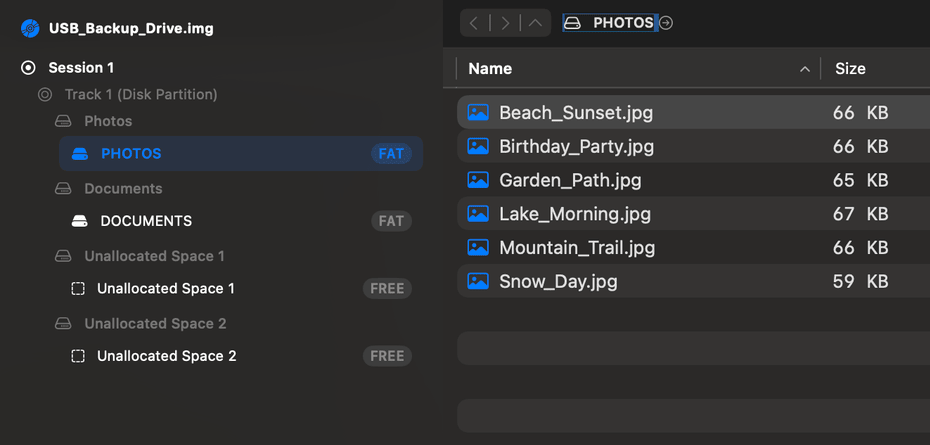
Open any file, even one with an unusual extension or none at all. IsoHappy looks at what's inside and finds the file systems: Windows, Mac and Linux disks, CDs and DVDs, and formats from Amiga floppies to Xbox and GameCube discs.
If nothing is recognized, you can still look at the raw sectors and search them for files.
Formats IsoHappy opens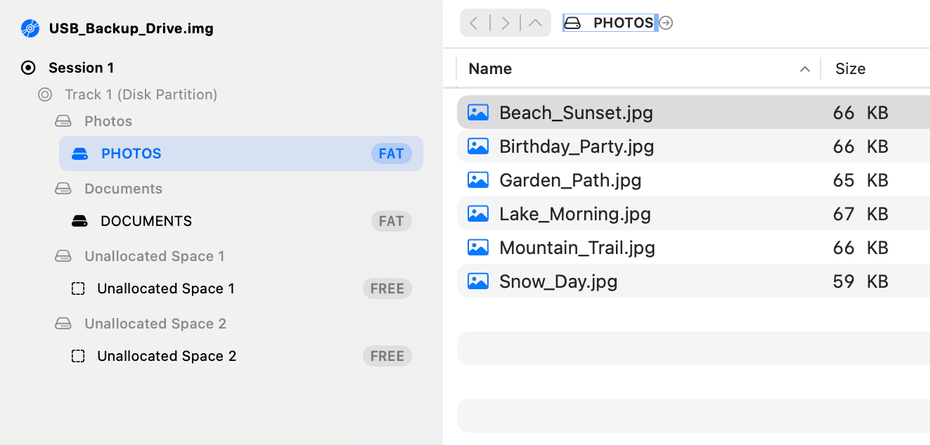
Deleted files and lost partitions
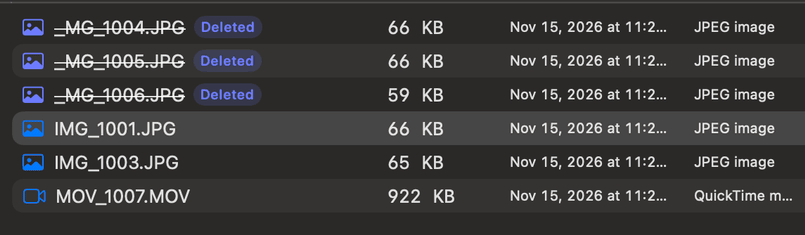
IsoHappy lists deleted files that the file system still has a record of. Find Lost searches a whole disk for partitions and folders that are no longer listed. Carve Signatures finds photos, documents, audio and more by their contents when the folders are gone.
Recover deleted and lost files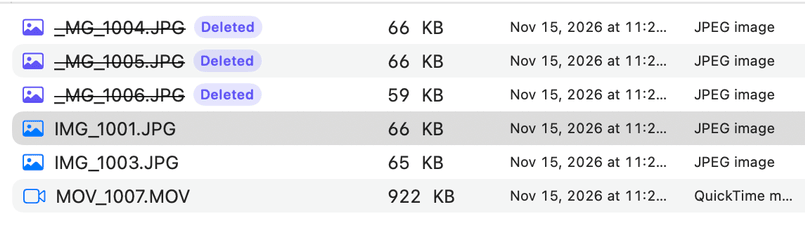
See your files before you pay
Pictures, text, PDFs, audio and video open in a preview inside IsoHappy, including deleted files and files found by their contents. Browsing and previewing are free. Buy a license only if you need to save files the free version doesn't cover.
What's free and what's paid
What it opens
IsoHappy reads image files, and the CDs, DVDs, USB drives and memory cards connected to your Mac.
- Disc images
- ISO, BIN/CUE, MDF/MDS, NRG, CCD, CDI, GDI, B5T/B6T, ISZ, CSO
- Disks and virtual machines
- DMG and sparse bundles, raw .img and .dd images, VMDK, VHD, VHDX, VDI, QCOW2
- Forensic and compressed
- E01, Ex01, split images, ZIP, gzip and bzip2
- File systems inside
- ISO 9660, Joliet, Rock Ridge, UDF, FAT, exFAT, NTFS, HFS, HFS+, APFS, ext2/3/4, XFS and more
- Consoles and older computers
- Xbox, GameCube, Wii backup drives, Dreamcast, 3DO, PlayStation memory cards, Amiga, Atari and classic Mac disks
Safe to use on your only copy
- Read-only
- IsoHappy never changes the disc or image you open. Files you recover are saved to a folder you choose.
- Stays on your Mac
- Your images and files are never uploaded.
- Pay once
- No subscription. A license covers up to 3 Macs.
- Fix it or refund it
- If something isn't working within 30 days of buying, we'll fix it or refund you.
Pricing
Try everything that reads and previews for free. Pay only to save files the free version doesn't cover.
Free
$0 forever
Look through everything before you pay.
- Open images, discs and drives
- Preview any file, including deleted ones
- Save files from standard data CDs (ISO 9660)
- Save and play audio CD tracks
- Scan discs for bad sectors and compute checksums
- Search for deleted and lost files
Personal
$49 one time
For your own files at home.
- Everything in Free
- Save deleted and recovered files
- Save files from DVDs, game discs, and Mac, Windows and Linux disks
- Make images of discs, drives and single tracks, and write images to disks
- Image a damaged disc now and fill the gaps later
Pro
$99 one time
For work, labs and archives.
- Everything in Personal
- Use at work, in schools and in libraries
- File lists and reports, including CSV and DFXML
- Add your own file types to search for
- Keep Mac resource forks and Windows file streams
- Image part of a disk and edit partition lists
Prices are in US dollars. Paid licenses are one-time purchases for up to 3 Macs, with no subscription. Personal owners can upgrade to Pro for $50. Activating a license needs an internet connection; after that, paid features keep working offline for 30 days at a time.